
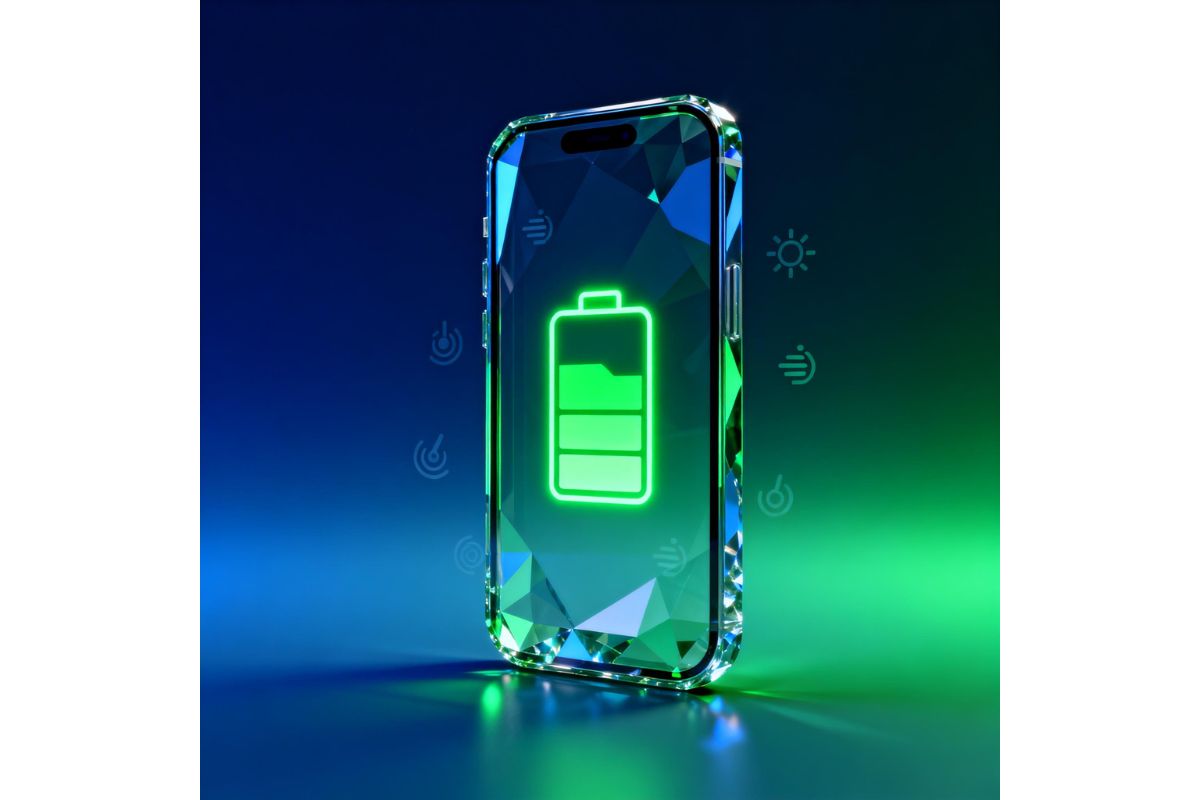
If your phone battery is draining too fast, you’re not alone. Many users experience this issue, especially as devices age or accumulate background processes.
The good news is that you don’t need a new phone to fix this problem. In most cases, simple adjustments can significantly improve phone battery life without installing any extra apps.
In this guide, you’ll discover 10 proven tips that actually work on both Android and iPhone devices.
Improve phone battery life
1. Reduce Screen Brightness
Your screen is one of the biggest battery consumers. Keeping brightness too high can drain your battery quickly.
👉 Tip: Enable auto-brightness or manually reduce brightness to a comfortable level.
2. Close Background Apps
Many apps continue running in the background even when you’re not using them.
👉 Go to your recent apps and close those you don’t need. This can immediately improve phone battery life.
3. Disable Location Services
GPS and location tracking use a lot of power, especially if multiple apps access your location.
👉 Turn off location services for apps that don’t need it.
4. Use Battery Saver Mode
Both Android and iPhone offer built-in battery saver modes.
👉 Activate it to limit background activity and extend battery life.
5. Turn Off Unnecessary Notifications
Notifications wake up your phone frequently, consuming battery throughout the day.
👉 Disable notifications for apps that are not essential.
6. Keep Your System Updated
Software updates often include performance and battery improvements.
👉 Always keep your operating system and apps updated.
7. Reduce Screen Timeout
If your screen stays on for too long, it wastes battery.
👉 Set screen timeout to 30 seconds or 1 minute.
8. Turn Off Bluetooth and Wi-Fi When Not in Use
Even when idle, these features search for connections and drain power.
👉 Turn them off when you don’t need them.
9. Avoid Extreme Temperatures
Heat and cold can damage your battery and reduce its efficiency.
👉 Keep your phone in a moderate temperature environment.
10. Check Battery Usage in Settings
Your phone shows which apps consume the most battery.
👉 Go to battery settings and identify apps that drain power excessively.
How to improve phone battery life quickly
Why Your Phone Battery Drains Fast
Many users notice their phone battery draining quickly even without heavy usage. This usually happens due to background apps, high screen brightness, and system processes running constantly.
Apps like social media, location services, and notifications can significantly impact battery performance. Understanding what causes battery drain is the first step to improve phone battery life.
When to Replace Your Phone Battery
If your phone battery continues to drain quickly even after applying all the tips above, it may be time to consider replacing it.
Batteries naturally degrade over time, especially after one or two years of use. If your battery health is below 80%, replacing it can dramatically improve phone battery life and performance.
Final Tip to Improve Phone Battery Life
If you want to improve phone battery life consistently, make these habits part of your daily routine. Small changes like reducing brightness, limiting background apps, and managing connectivity can have a big impact over time.
By combining all these tips, you will not only improve phone battery life but also extend the overall lifespan of your device.
Conclusion
Improving your phone battery life doesn’t require advanced knowledge or expensive tools. By applying these simple tips, you can extend your battery life and improve overall performance.
Start with a few changes today, and you’ll quickly notice a difference in how long your phone lasts.
These tips will improve phone battery life effectively
Internal Link
- How to Clear Cache on Android
- Why Your Phone Is Slow
https://www.techzup.us/clear-cache-on-android/
External Reference
For more detailed battery optimization guidelines, you can check this official resource from Google:
https://support.google.com/android/answer/7664692